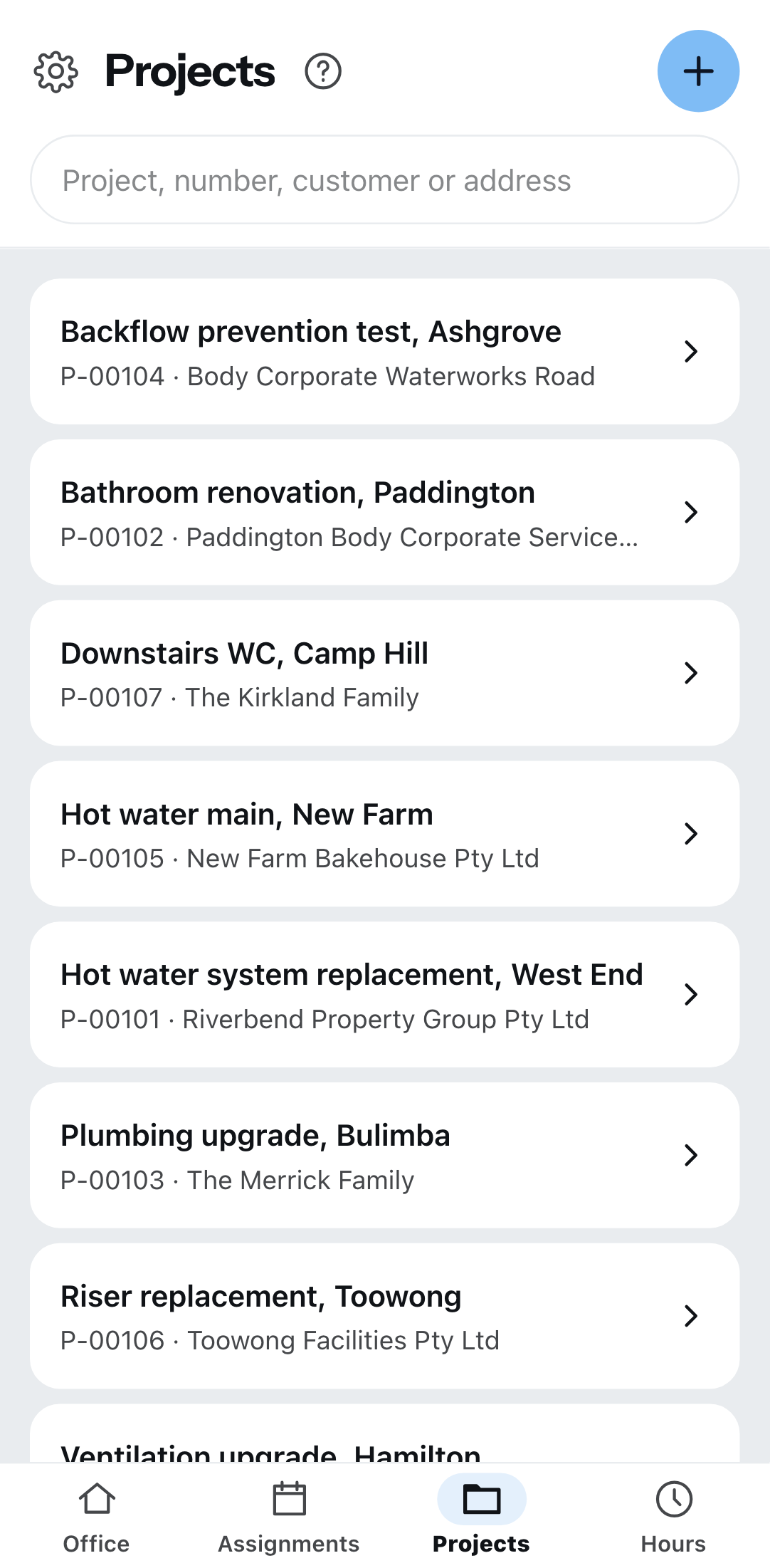
Under Projects are the sites you are scheduled on. At the very top you search by project, number, customer or address.
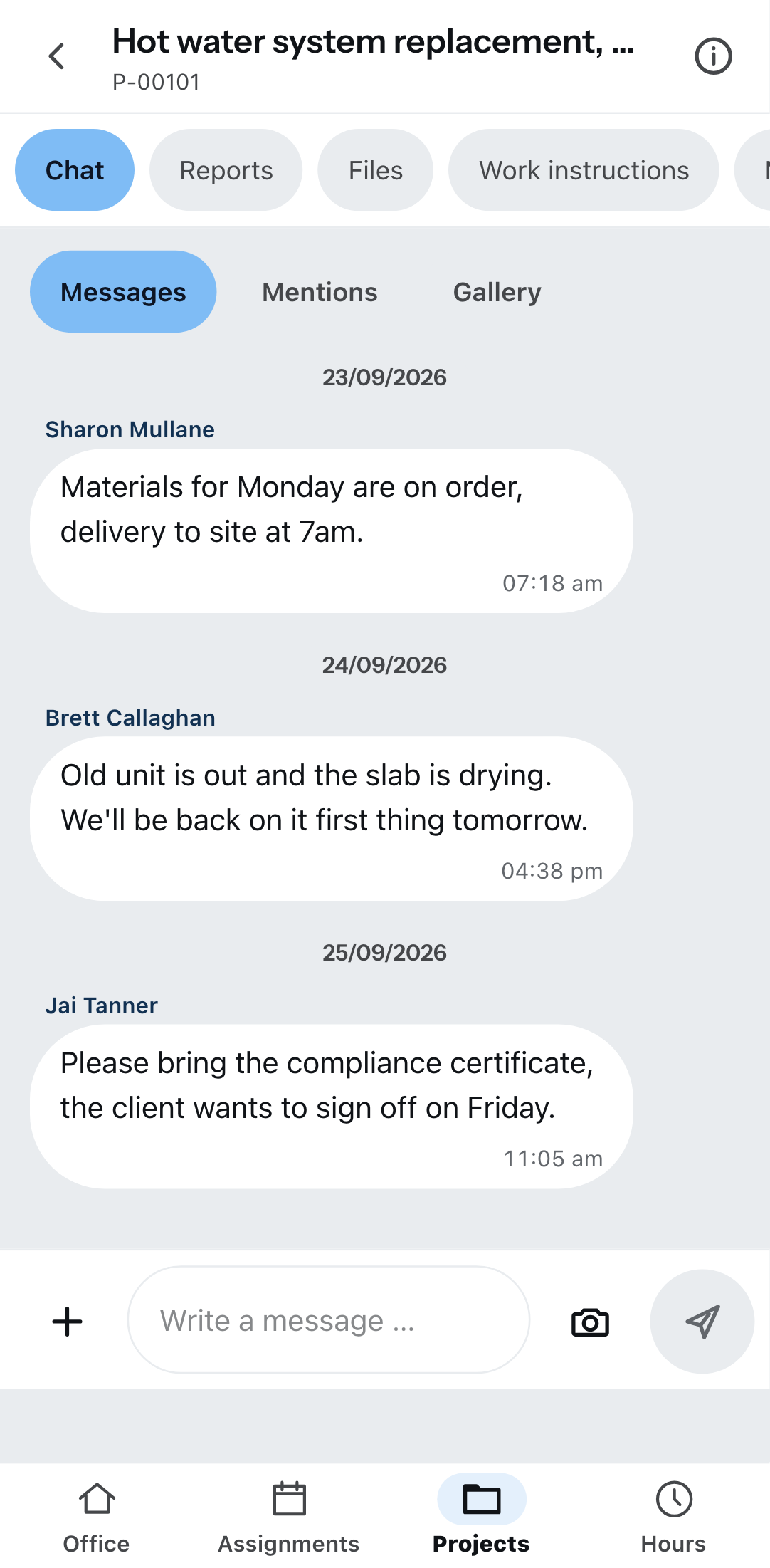
The five tabs of a project
| Tab | What it is for |
|---|---|
| Chat | Messages to your colleagues, with photos. Plus Mentions and the Gallery. |
| Reports | Site diary, handover report, measurement. |
| Files | Plans and files for the project. |
| Work instructions | The services from the issued quotes, cost estimates, order confirmations and delivery notes — with the item numbers as in the document. |
| Materials list | The materials from the same documents. |
Under Project information are the number, status, site and the contact — with a button to call and one to write.
Work instructions and the materials list stay empty as long as no document has been issued. They come from the project's quotes, cost estimates, order confirmations and delivery notes. A draft does not count, an invoice does not either, and prices never appear there.
Writing a report
Create report, then choose a template. Which ones are available is maintained by the office under Settings → Templates & layout → Report templates.
The blocks you will come across: text, number, date, period, image, signature, customer, project, company, place of work, employee, weather conditions — and the measurement with reading, quantity and total.
Signing is done with your finger on the screen. Then Complete; Save draft puts it aside.
On site, anything unsaved is gone for good. A report does not wait in the queue when you have no reception. Save as a draft along the way, before you go down into the cellar.
If the report has unsaved changes, Zirko asks before you leave it — through the bottom bar, through the back arrow at the top and when reloading the page.
Only the person who created a report may change it. Others can read it.
Line items from the project document
In the Services and Materials sections of a report there are two buttons as long as it is not completed: From project document and From master data. From project document shows the project's issued quotes, cost estimates, order confirmations and delivery notes. If none has been issued, a sentence saying so appears instead of the button.
- Choose the document at the top, then filter below: Services, Materials or All.
- Tick the line items. A section heading selects everything below it.
- Tap “Add 3 line items” at the bottom — the number counts along.
There are no prices, and alternative and optional items are left out. You enter the quantity yourself — what was done, not what was planned; below it you see “Planned in document: …”. Anything already in the report is locked with Already in report.
Selecting works without a connection too, once the report is open. Save draft needs a connection.
Creating a project
Anyone who is Field – Team lead can create a project through the plus. Only the project name is mandatory. You search for the customer or create a new one with New customer; you can fill in the site address with Use the customer’s address.
This does not work without a connection — a new project should be able to open straight afterwards. As soon as you have a network again, it works.
Address lines — in the address search as well as in the report — are in the order that is customary in the respective country, and without a leading country code.
What is not possible today
- Completed reports stay stored on the project. In the office they are in the project under “Reports”. A report cannot be sent from Zirko.
- Files only go into Files with a network. Without reception nothing can be uploaded.
- Which folders you see on the phone is decided by the office — under Settings → Templates & layout → Files with Make available to mobile users. If none is made available, files end up in the project folder.
- The project list is capped: if there are more projects than are shown, Zirko says so.