On the phone, Zirko saves every entry on your device first and transfers it afterwards — even with the best network. That way “offline” is not a special case that can be forgotten, but the normal case with a longer wait.
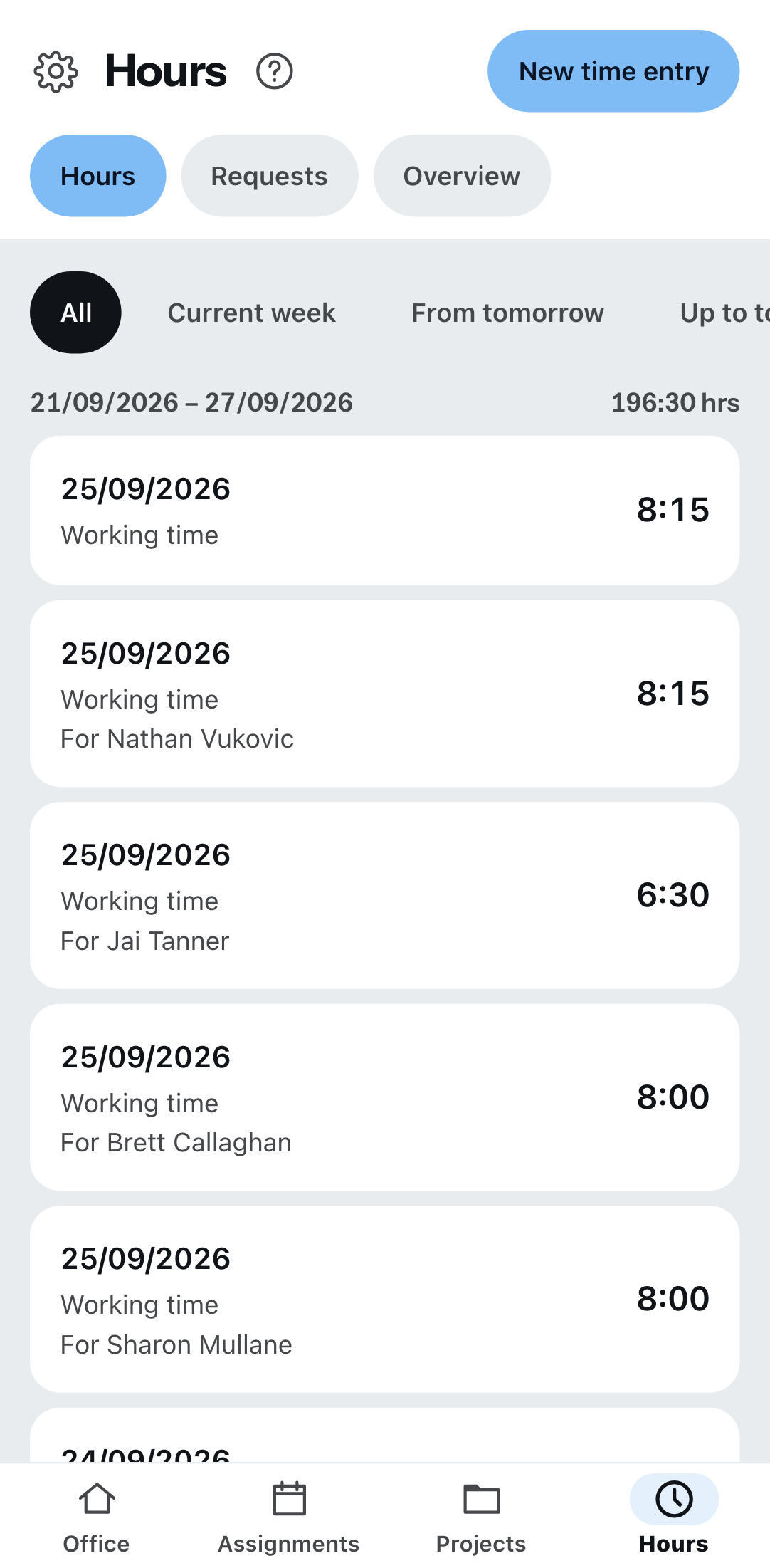
What you see
If you have no reception, a banner appears under the header: “Offline — as of …”, with a time. The time is the point of it: it tells you how old what you are reading is. A bare “Offline” would not do that.
On every single row there is also the mark — Saved on this device only, Transferring, Transferred or Not transferred. Always with a word, never with color alone.
What waits
| Works without a network | Does not work without a network |
|---|---|
| Recording times — they wait and go out later on their own. | Creating a project — it should be able to open straight afterwards. |
| Chat messages, with a photo too. The image sits safely on the device. | Uploading files into Files. |
| Reading what was last loaded. | Reports — see below. |
The report is the exception, and you have to know it
On site, anything unsaved is gone for good — a report does not wait in the queue.
A half-finished report that you leave standing without reception and then close the app on is lost. Use Save draft before you go down into the cellar or put the phone away.
What works without a connection in an open report: selecting and adding line items via From project document — the page brought them along when it opened. Nothing is saved by that yet; Save draft needs a connection again.
When the network is back
Zirko transfers on its own. If you do not want to wait, press Transfer now above the list.
Zirko tries five times at most. After that the row says Not transferred — then something other than the network is in the way, and the entry needs you. Nothing can arrive twice: every entry carries an identifier, and two transfers of the same identifier make one entry.
Two messages you should take seriously
- “This device could not store the entry permanently. Please leave the app open until it has been transferred.” It means what it says: your phone’s storage did not play along. Do not close the app now.
- Restarted without a network. If you close the app completely where there is no signal and open it again, it cannot load the interface and says so. Your queue is unharmed by that — better to leave the app open down in the cellar.
What is not possible
Help articles are not in the offline store. So without reception you cannot reach this text — read it while you have a network.