Yes. Zirko on site is an app for iPhone and Android — a program of its own on your phone, not a detour through the browser. It is coming to the App Store and to Google Play.
When you can download it
Today it is in neither store. Do not go looking for it yet, you would find nothing. Your company will tell you once it is out — we do not name a date here while we cannot keep it.
Your access does not depend on that: the office creates it, and it works from the first time you open the app. If you do not have one yet, ask the office; out on site you do not create an account for yourself.
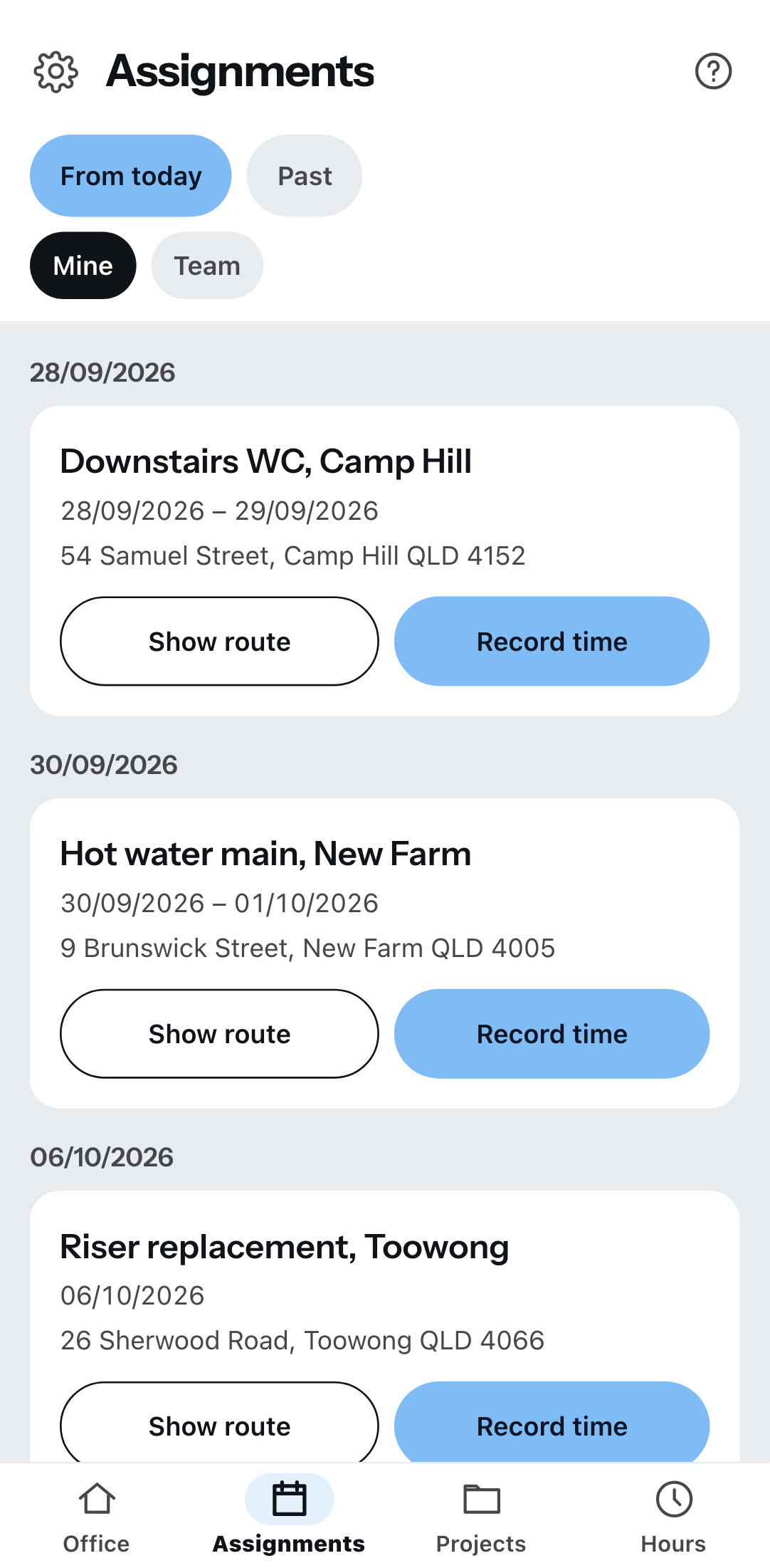
What the app can do on site
- The camera asks only once. You allow it with the first photo and are not asked again. You take pictures straight from the report, the project chat and the file store; the customer signs with a finger on the glass.
- Whatever you enter without a signal goes out by itself. Recorded times and chat messages wait on the device until there is reception again.
- It is built for one hand — three items at the bottom, a cog at the top left. Nothing else is in the way.
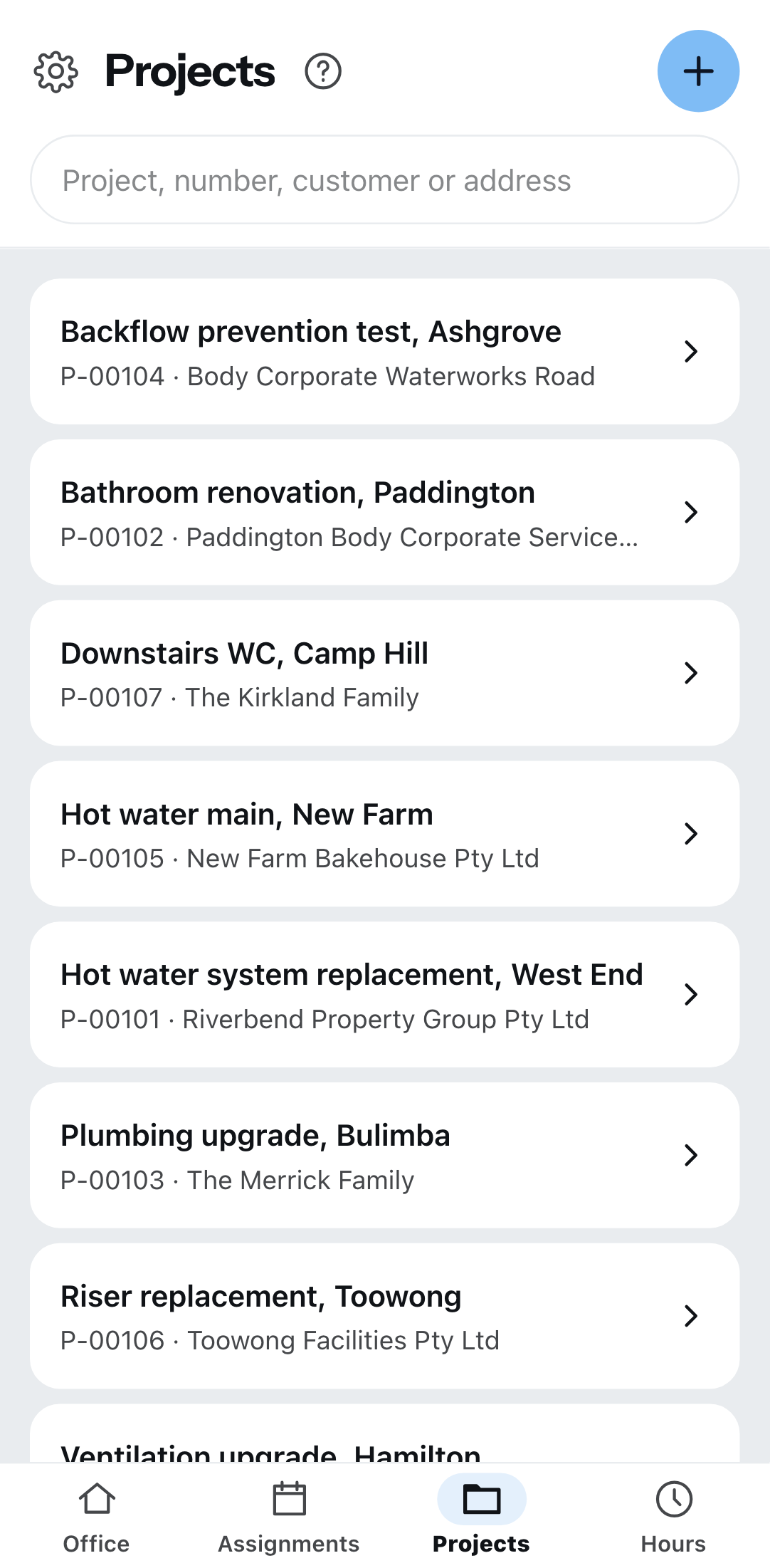
Phone and desk are two ways in
On the phone Zirko is the app. At the desk it runs in the browser on the computer — the big view, for mouse and keyboard. Both are one login: the same sign-in here as there. Anyone with an office role switches to the big view in the app at the bottom left via Office. There is no button the other way round — from the office you do not get into the app, it sits on the phone.
| On the phone | Desk only |
|---|---|
| Assignments, times, leave requests | Quotes and invoices |
| Projects with chat, reports, files, work instructions and materials list | Customers, master data, settings |
| Photos and signature | Prices — a fitter never sees them anywhere |
That is deliberate: wage groups, tax rates and letterheads do not belong on a site phone. What exactly your role may do is under Zirko on site.
Without a signal
Recorded times and chat messages wait on your device and go out as soon as there is a network again. If you close the app completely where there is no signal and start it again, though, it cannot reach your data — the details are under When there is no network.