There are three separate ways out of Zirko: email, download and print. There is no separate “Send e-invoice” button — the e-invoice hangs on the email.
By email
The envelope icon in the header of the editor opens Send by email. Recipient, subject and text come ready from the server — from the template of the document type, with the placeholders already filled in. The text field is the preview; what is in it goes out exactly like that.
The dialog tells you what is attached:
- Draft (quote and the like): a freshly produced PDF with the watermark “Draft – not an invoice”. It is not filed.
- PDF + XML: the document PDF and the e-invoice go out together.
- PDF only: the document PDF.
- None: “The PDF output is not available yet” — the email goes out without an attachment.
Uploaded files such as your terms and conditions go with it — how depends on the document type: for a quote, cost estimate, order confirmation, and delivery note, they appear as separate pages within the same PDF; for invoices and interim invoices, they go along as separate files next to the document. Either way, the document also lists them in the “Appendices” line, see Document texts, attachments and file names.
Invoices are not sent as a draft. Finalize first, then send. And without a document PDF, Zirko blocks the sending of an invoice altogether — an invoice without a document is not an invoice.
At the bottom it says Sent via … with the sender address. If that is not your business’s address, set up email sending.
The check status of the e-invoice
If an e-invoice is attached, the dialog shows its check status:
| Display | What it means |
|---|---|
| checked | Checked against the official rulebook, with nothing to report. |
| unchecked | Not checked. Whether the recipient accepts it is therefore not settled. |
| defect | With a list of breaches. The invoice is issued and can no longer be changed — if the recipient rejects it, only canceling and reissuing helps. |
As a file
In the menu with the downward arrow: Download PDF, in draft Download draft. You pull the XML of a finished e-invoice out of the document list with Download XML.
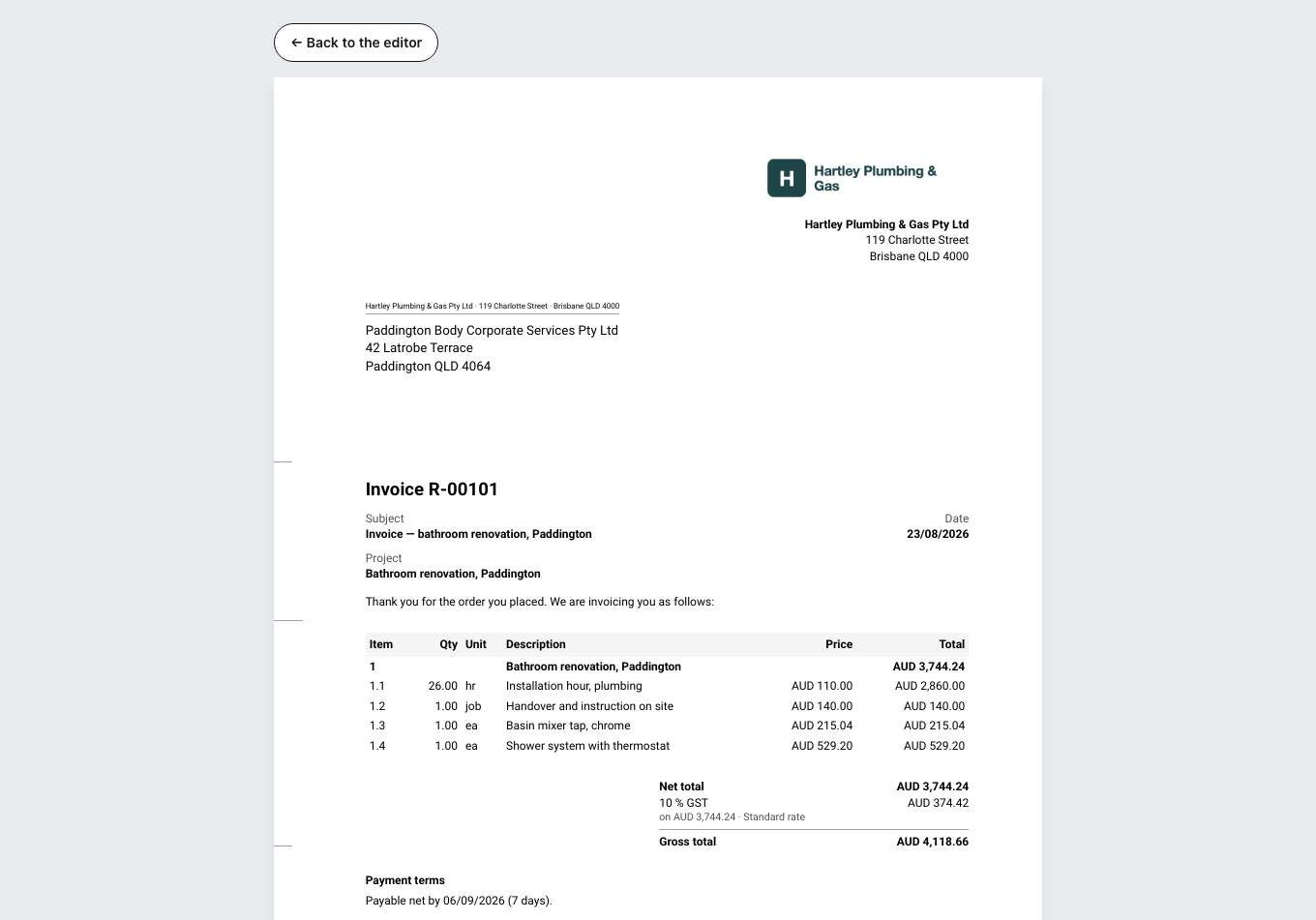
Print opens the preview. What is printed is always the sheet, never the editing surface.
For several documents at once there is “Download …” in the list, with the choice of PDF, e-invoice (XML), both, or DATEV (PDF + CSV).
What Zirko does not do
Zirko does not deliver an e-invoice itself. The file is created — the way to the recipient is yours. For Peppol you need an account with an access point; Zirko does not bring one along. For Italy, Poland and Romania there is the block Submission to the tax administration portal: Zirko produces the file, uploading it is up to you. Where to, is under How the authority receives your invoice.
Checking whether it worked
Under Sending history there is a status for each attempt: Not sent, Sent, Delivered, Undeliverable, Being sent, Sending failed. Delivered is the word that matters.