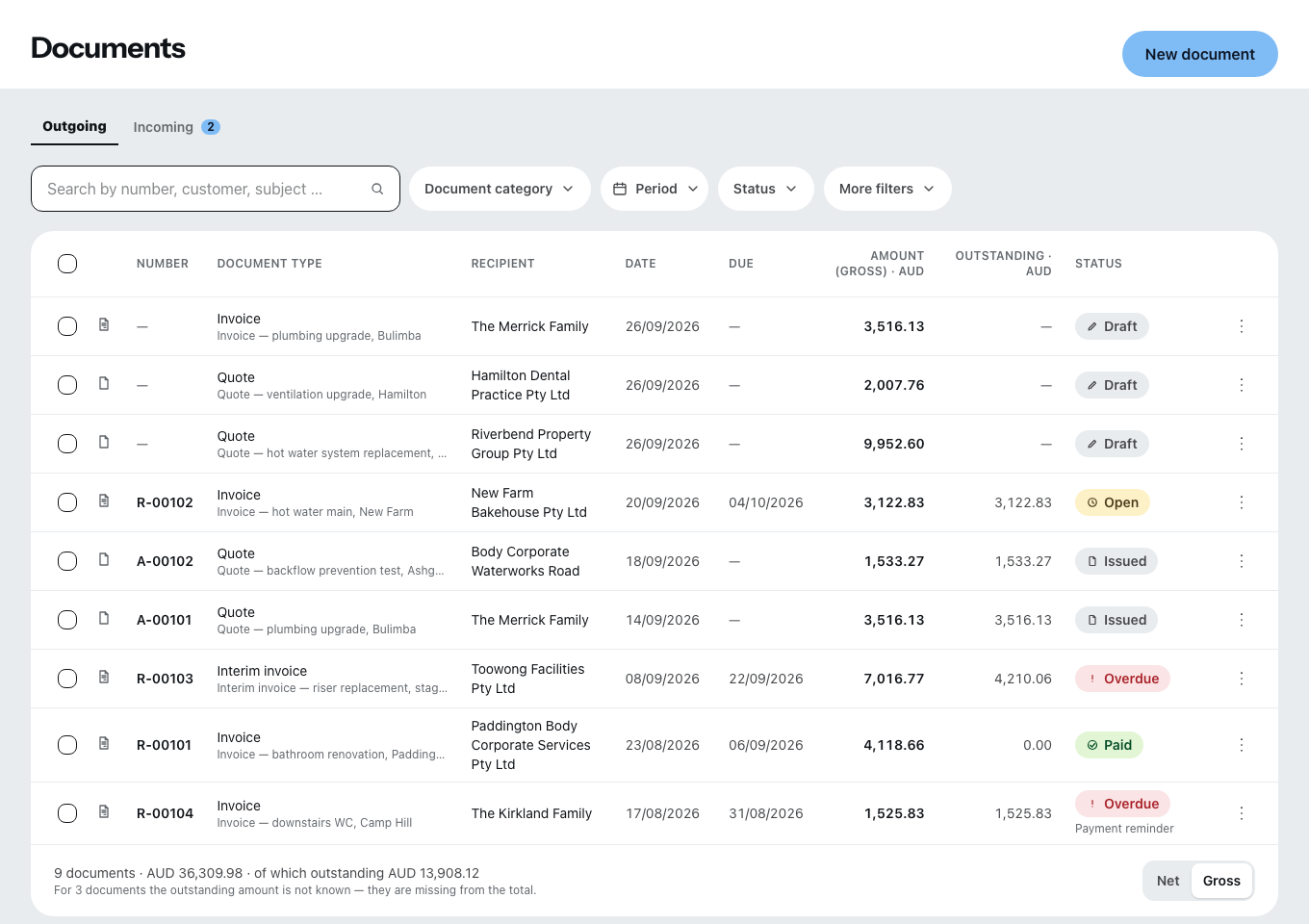
An overdue invoice appears on the overview under Money outstanding. From there and from the document list, two routes lead onwards — and they do different things.
The two routes
- Send reminder … writes and sends the reminder.
- Raise reminder level … only records the level. You then send the reminder itself through the document.
The second route is meant for the case where you rang up, or the reminder went out on paper.
Writing the reminder
The dialog shows the outstanding amount, the reminder fee, the late payment interest and, from those, to be paid, plus payable by. You can change the recipient, the subject and the text of the reminder before you press Send reminder. If you only want to record that a reminder was made: Only note it.
The levels are called friendly reminder, then reminder 1, reminder 2 and so on — up to five, adjustable under Settings → Payment reminders. That is also where you set fees, deadlines and the interest rate.
The late payment interest comes either from your reminder settings or from the law — in Germany under § 288 BGB (German Civil Code). In other countries the local rule on default interest applies.
Invoice in a foreign currency with no exchange rate on file? Then the dialog shows a note and the checkbox “Send the reminder without a reminder fee” — without a rate, the reminder fee cannot be converted.
The automation
If it is switched on, the document says “Next level due on … — the automation will send it then on its own.” If it is off, it says: “A reminder only goes out when you trigger it here.” Read this line before you remind someone yourself — otherwise something goes out twice.
A part payment stops the automation. It then sends no further reminders but puts the case in front of you. That is deliberate: someone who has paid something is a different case from someone who has paid nothing at all.
If it stayed unclear whether a reminder arrived — for example because the connection dropped in the middle of sending — the automation does not send it again by itself. It puts that case in front of you too; a person decides whether to send the reminder again.
When the chain has run out
Once the last level is reached, Zirko writes that down. The next step leads out of Zirko — court proceedings or debt collection. No software takes that off your hands, and one that pretended to would be dishonest.
What Zirko does not see
Zirko does not pick up payments from your bank account. You record on the document whether payment has been made. An invoice that has been paid and not marked as paid gets a reminder — that is the most common reason for an embarrassing reminder.