Zirko checks a document in three places: before finalizing, when creating the e-invoice file, and against the official rulebook. The three displays look similar and mean different things — above all on the question of whether a cancellation is needed.
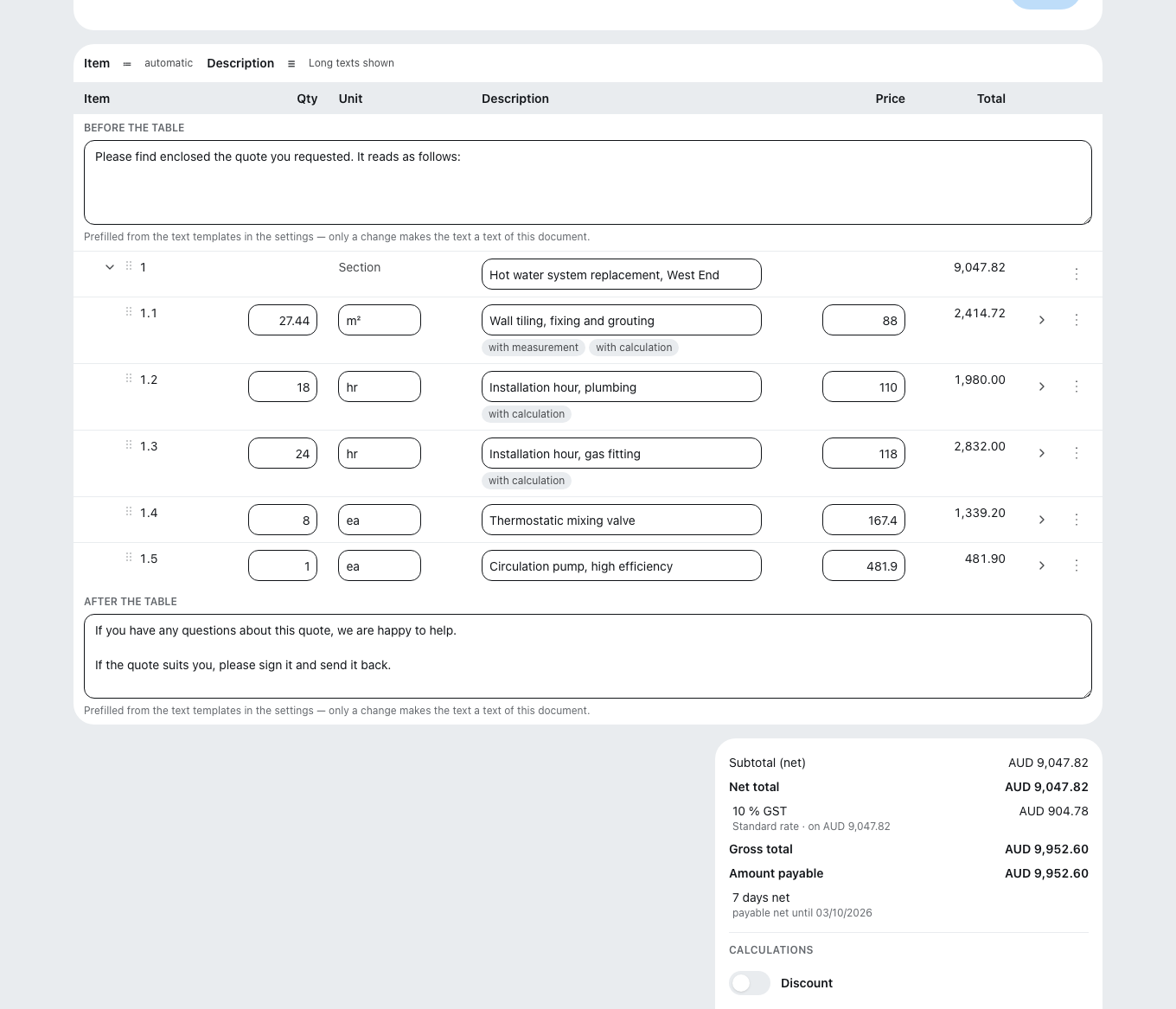
Before finalizing: "Check running" and "Check failed"
A document carries these two statuses before it has a number. With "Check failed" nothing is lost: the document is not an invoice yet. You can edit it freely and take it back to draft — a cancellation is never needed here. Zirko names every defect individually and says where the detail is missing: in your business data in the settings, on the customer, or on the document itself.
After finalizing: the file is not created
Sometimes the document is finalized but the e-invoice file is still missing. Zirko then tells you why:
| Display | What it means |
|---|---|
| E-invoice (XML) temporarily unavailable | Nothing is wrong with your document — a service did not cooperate. The next download attempt automatically tries once more, and that usually helps. |
| E-invoice (XML) being investigated | Creation itself failed. We are looking into the cause; a new attempt is worthwhile only once we give the all-clear. |
| E-invoice (XML) not created | We know nothing more precise. The next download attempt tries again. |
If a mandatory detail is missing, Zirko names it — such as your business's IBAN or VAT ID. Details about your business can be added in the settings; the next attempt uses the new details, without cancellation.
The check status: checked, unchecked, defect
A finished e-invoice carries its check status — you see it in the sending dialog:
- checked — checked against the official rulebook, with no objection.
- unchecked — not checked. Whether the recipient accepts it is therefore not certain.
- defect — the check service found violations and lists them.
Cancelation or not?
| Situation | Remedy |
|---|---|
| "Check failed" before finalizing | Edit. No cancellation — there is no invoice yet. |
| A detail about your business is missing (address, VAT ID, IBAN) | Add it in the settings, trigger the file again. No cancellation. |
| A detail about the recipient or on the document itself is wrong | Cancel and reissue. These details are frozen at finalizing — correcting the customer only helps the next invoice. |
| The recipient rejects the file (check status "defect") | Cancel and reissue — the invoice can no longer be changed. |
| No e-invoice is created for your country at all | Nothing to do. The PDF is the intended route there, and Zirko does not nag you about a file that does not exist. |
How canceling works is under Canceling or reducing an invoice. And if the recipient merely got the wrong route — PDF instead of e-invoice — do not cancel; submit the file instead: How the authority receives your invoice.