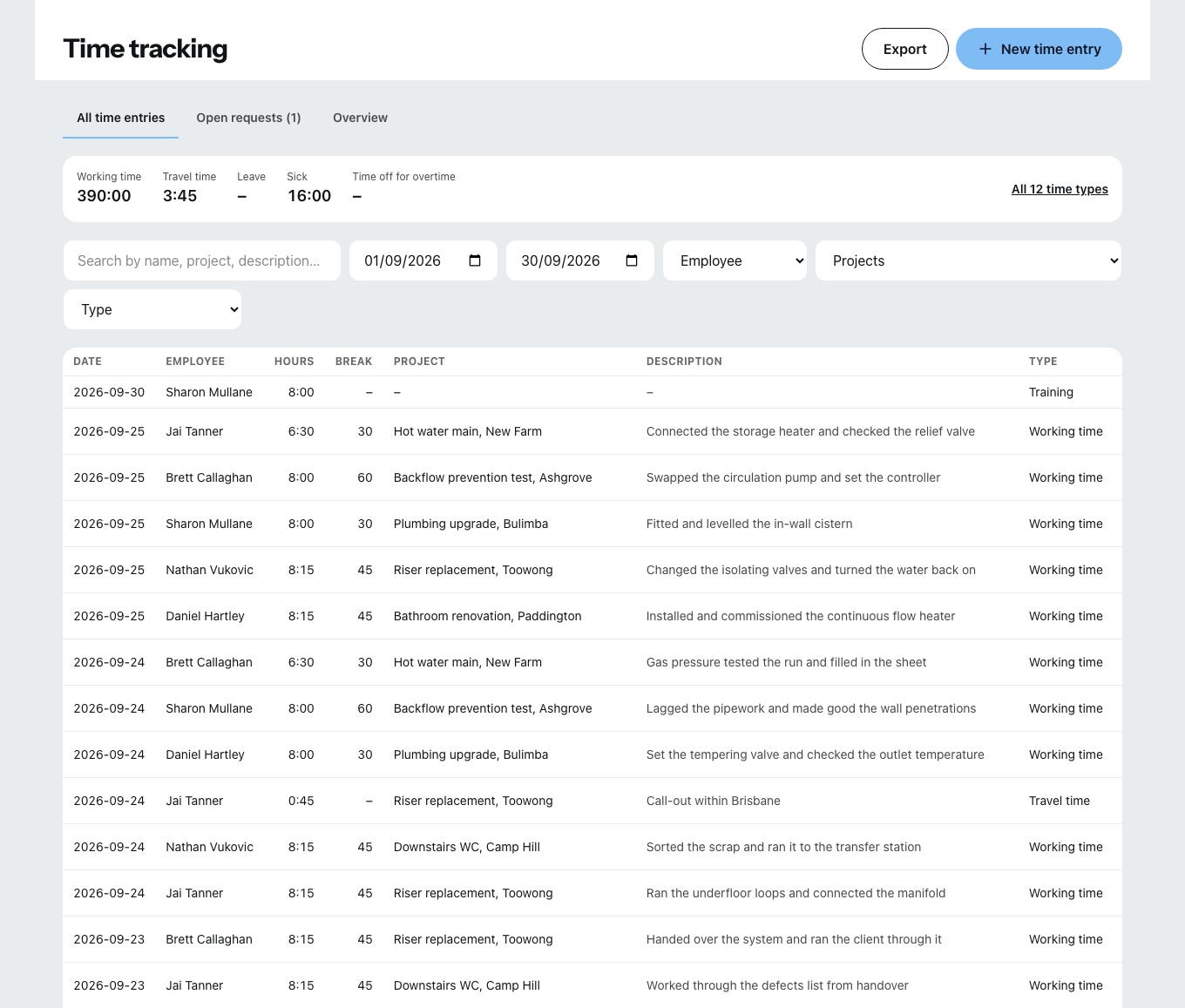
The menu item Time tracking has three tabs: All times, Open requests and Overview.
Entering a time
New time entry opens the dialog. From top to bottom:
- Employee
- Type — which of the twelve types of time
- Date, start time, end time
- Break in minutes, using the plus and minus buttons. If it says No break, that is a statement, not a forgotten field.
- Project — optional, but the basis of job costing
- Description
As you go, Zirko shows the calculated number of hours.
The twelve types of time
Work: working time, travel time.
Absence: leave, unpaid leave, special leave, sick, public holiday, training, time off in lieu, short-time work, bad weather, other.
Leave, special leave, sick, public holiday and training meet the daily target and produce no deficit. Only leave eats into the leave entitlement. That is exactly why everyone has to have a working time model: without a target there is nothing to credit.
Leave requests come from the site
The Open requests tab shows what your people have requested in the mobile application — Approve or Reject for each request.
Absences created by the office are approved straight away. Anyone who enters a leave entry themselves is not making a request.
The overview
Two figures per person:
- Working time account — actual hours minus target hours.
- Leave — “x of y days”, or “no entitlement recorded”.
Under Edit balances you correct both: the Adjustment tab for a posting, the History tab for everything that has already been adjusted. There are two types of adjustment — working time account and set remaining leave.
Without a contractual leave entitlement on file, no remaining leave can be entered. The entitlement is under Leave entitlement.
Filtering and exporting
Filtering works by period, employee, project and type. What is exported is exactly what you have just filtered — as XLSX or CSV, with the columns you tick.
If it says above the list that not all times could be loaded, the figures below it are incomplete. Choose a narrower period then, instead of believing the total.
What is not possible today
There is no clocking-in machine — times are entered with a start and an end, in the office as on site, see Recording times on site.