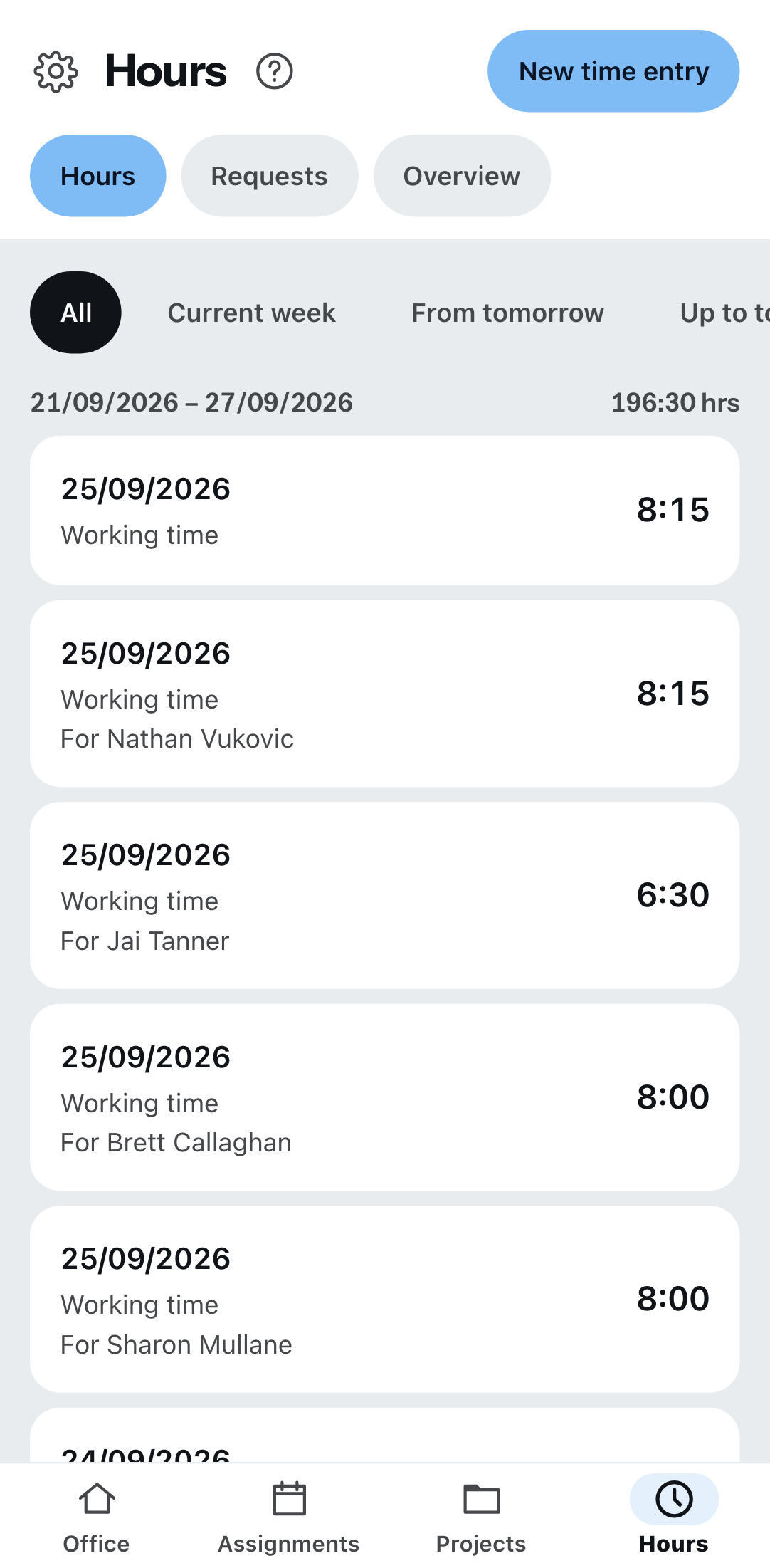
The Times item has three tabs: Times, Requests and Overview.
The quickest way
Not through New time entry, but through the assignment: under Assignments, every assignment carries Record time. Project and date are then already set, and you only enter from, to and the break.
New time entry works too — then you choose the type, date, from, to, break, project and description yourself. Only someone who is Field – Team lead may record for others.
Requesting leave
Requests tab → New request. You choose the type, from, to and the duration: whole day, first half of the day, second half of the day. Then Submit.
The request then shows as requested and changes to approved or rejected as soon as the office has decided. The office decides under the menu item Time tracking.
Requests are only created here, on the phone. What the office enters itself is approved straight away and does not appear in your request list.
The overview
- Hours balance and working time account — extra hours, deficit hours or balanced.
- Leave for the current year.
- Progress toward the monthly target.
If it says “No leave entitlement is recorded for you” or “No working time model is recorded for you”, that is nothing you can fix — your office enters it. Without a model there is no target, and without a target the account is measured against nothing.
The mark on the row
Every entry carries its transfer status — as a symbol and as a word:
| Mark | What it means |
|---|---|
| Saved on this device only | It is on your device, waiting for a network. |
| Transferring | On its way right now. |
| Transferred | Arrived at the office. |
| Not transferred | Failed. |
If several are waiting, it says above the list “… entries waiting to be transferred” with the Transfer now button. What exactly that means is under When there is no network.
What is not possible today
There is no clocking-in machine — no button that starts when you arrive and stops when you leave. Times are entered with a from and a to.