A Zirko account comes together in two steps: first your account, then your business. In between sits one email that you confirm.
Step 1: create the account
On the sign-up page you enter the name of your business, your first and last name, your email address, the country and a password of at least 8 characters.
Two of these deserve a second look:
- Email address — please use the address of your business. Zirko does not accept addresses from free email providers such as gmail.com or gmx.de here; the message names the rejected domain, so a typo shows up.
- Country — where your business is based. It decides tax rates, invoice format and the suggested language, and below the field Zirko tells you what the invoicing module can do in your country. Later the country can only be changed as long as no document has been issued — see Business details, logo and tax numbers.
Then come two checkboxes: the declaration that you are signing up your business — Zirko only enters into contracts with businesses and self-employed traders, not with private individuals — and your agreement to the terms, the data processing agreement and the privacy policy. All three documents are linked directly and open in their own window; what you have typed stays put.
If Zirko changes these agreements later, you do not sign up again — you then agree to the new version under Settings → Contract & subscription. How that works is covered in Changing plan, licenses and term.
Confirm the email
After Sign up, Zirko sends you an email. Only the click on the link in it activates your account.
Nothing arrived? Check your spam folder — the first time round the email often ends up there. On the waiting page, Send email again gets you a fresh one.
An expired link is not an error but the normal case when you open the email the next day: the page says so and offers the same button for a fresh link.
If no email comes although the address is right, there may already be an account for it — then Zirko does not send a second one. Sign in, or reset the password: Signing in and your password.
Step 2: create the business
After confirming, you set up your business: name (pre-filled from step 1 and still editable), street, postcode, town, plus the team size. Phone number and trade are optional. Get started takes you to the overview.
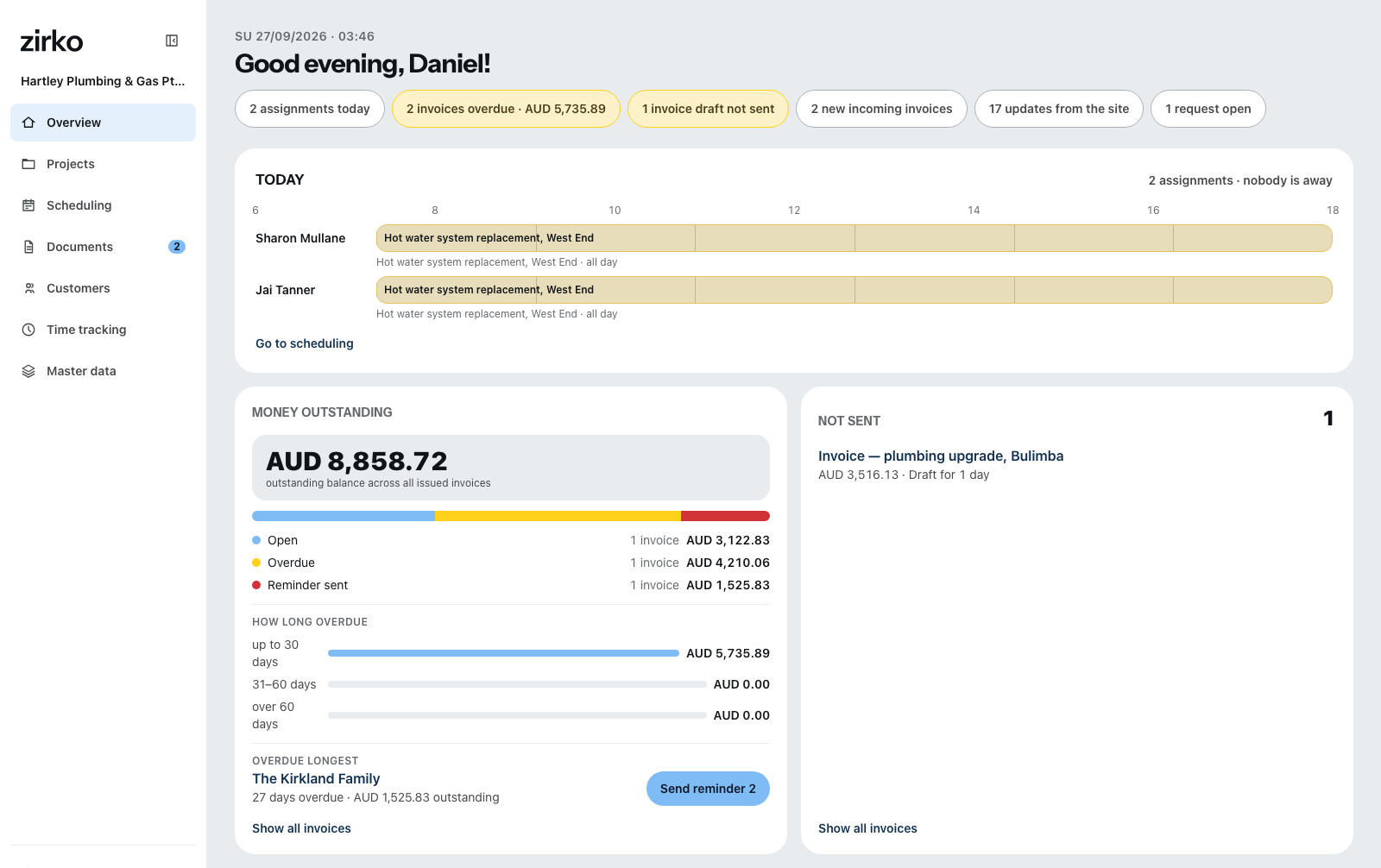
The trial begins the moment you create the business — fourteen free days, no credit card and no bank details. What happens afterwards is covered in The trial.
Employees do not sign up
Anyone who works in a business that already uses Zirko needs no account of their own here — they get an invitation link from the business and land straight in the right place. On that route a private email address is perfectly fine, too. How that works is covered in Inviting employees and assigning roles.
What does not work today
- No signing in with Google, Apple or Microsoft accounts. There is exactly one route: email address and password.
- No sign-up by mobile number. Mobile numbers only get into Zirko through an invitation from the business.
- The email confirmation cannot be skipped. Without the click on the link, the account stays closed.